
Backlink Manager Guide | Effortless Backlink Management
Backlink Manager: The Ultimate Guide to Effortless Backlink Management
Managing backlinks effectively is crucial for SEO success. Whether you are tracking competitors, building your website authority, or cleaning up outdated links, a robust Backlink Manager can save you hours of manual work. In this guide, we’ll walk you through the essential features, practical steps, and expert tips to make backlink management seamless and highly efficient.
Why Use a Backlink Manager?
Backlinks remain one of the strongest ranking signals in Google’s algorithm. However, tracking, organizing, and maintaining them can be complex, especially when dealing with hundreds or thousands of links. Here’s why a Backlink Manager is essential:
- Efficiency: Quickly import and manage large sets of backlinks without tedious manual entry.
- Organization: Group backlinks by category, campaign, or priority for clearer oversight.
- Quality Control: Identify and block low-quality or spammy domains to maintain your site’s authority.
- Risk Reduction: Avoid accidental deletion of valuable backlinks through marking and backup features.
A modern backlink manager, like BacklinkHelper, addresses these pain points with intuitive features that streamline the entire process.
Core Features of BacklinkHelper Backlink Manager
1. Backlink Group Management
Organize your backlinks efficiently by creating, editing, or deleting groups. This allows you to:
- Segment backlinks by client, campaign, or niche.
- Easily switch between groups for focused analysis.
- Maintain a clean and structured backlink database.
2. Importing and Exporting Backlinks
Save time by importing backlinks directly from tools like SEMrush or Excel files. Exporting allows for backup or sharing with teammates. Steps include:
- Download backlink data from semrush or your preferred SEO tool.
- Navigate to BacklinkHelper’s “Backlink Management” page.
- Click the “More” menu → Import → Select your file.
- Backlinks are automatically added to your chosen group.
3. Individual Backlink Management
Each backlink entry supports detailed management:
- Edit: Update URL, note, group, Domain Rating (DR), or Ahrefs Score (AS).
- Delete: Remove irrelevant or low-quality backlinks.
- Mark/Unmark: Preserve important backlinks during bulk deletion.
- Blacklist: Automatically filter out unwanted domains.
- Open: Quickly visit the linked page directly from the manager.
4. Bulk Actions: Clearing Backlinks
The “Clear All” function allows you to delete all backlinks in a group while preserving marked domains. This ensures that critical backlinks remain intact without manual selection.
5. Domain Blacklisting and Marking
Maintain link quality and safety:
- Blacklist: Prevent certain domains from being imported or displayed.
- Mark/Unmark: Safeguard selected backlinks during batch operations.
Step-by-Step Guide to Using BacklinkHelper
Follow these steps to manage backlinks efficiently:
- Install the Plugin: Open Chrome Web Store → Search “BacklinkHelper” → Install.
- Import Backlinks: Download competitor backlinks from SEMrush → BacklinkHelper → “More” → Import → Select Excel file.
- Create Groups: “More” → Manage Backlink Groups → Add New Group → Assign imported backlinks.
- Manage Individual Links:
- Edit, mark, delete, or blacklist directly from the link entry.
- Use the next backlink button to review and process backlinks sequentially.
- Bulk Cleanup: Use the “Clear All” button to remove unmarked links without losing marked ones.
FAQs About Backlink Manager
1. Can I use BacklinkHelper for multiple websites?
Yes. Each website can have its own set of backlink groups, allowing you to manage multiple projects simultaneously.
2. Will marking links prevent accidental deletion?
Absolutely. Any link marked will remain safe during bulk deletion or cleanup operations.
3. Can I filter or blacklist low-quality domains?
Yes. Blacklisting ensures unwanted backlinks are automatically ignored during import or display.
Conclusion
A well-organized backlink strategy is vital for long-term SEO success. With BacklinkHelper’s Backlink Manager, you can efficiently import, organize, and maintain your backlinks while protecting high-value links and filtering low-quality ones. Start by creating structured groups, importing your backlinks, and using the marking and blacklisting features to maintain link quality. Take control of your backlink profile today and elevate your website’s SEO performance.
Recommendations
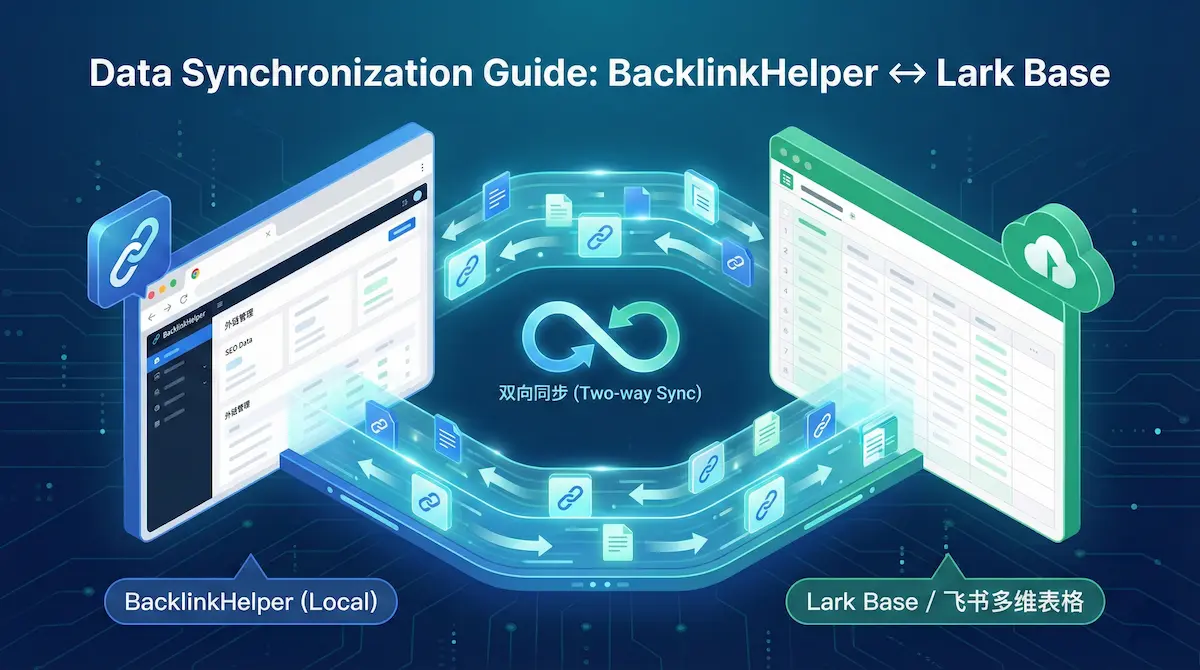
Lark Base (Feishu) Data Sync Guide | BacklinkHelper Manual
Learn how to set up two-way synchronization between BacklinkHelper and Lark Base (Feishu). A step-by-step guide on API authorization, group binding, and auto-sync features.

Automate Blog Commenting: The Safe 'Cyborg' Strategy
Let's be real: manual commenting sucks. Here is how to use AI and smart tools to automate the boring parts without getting your site penalized.

How to Track Guest Post Links Free: A Real-World Guide
Stop paying for expensive SEO tools just to track links. Learn the practical, free ways to monitor your guest posts using Google Sheets, GSC, and smart free tools.
Comments
No comments yet